English
 Deutsch
5. Create records
Click the area “Pages” in the list and switch to the tab “Records”.
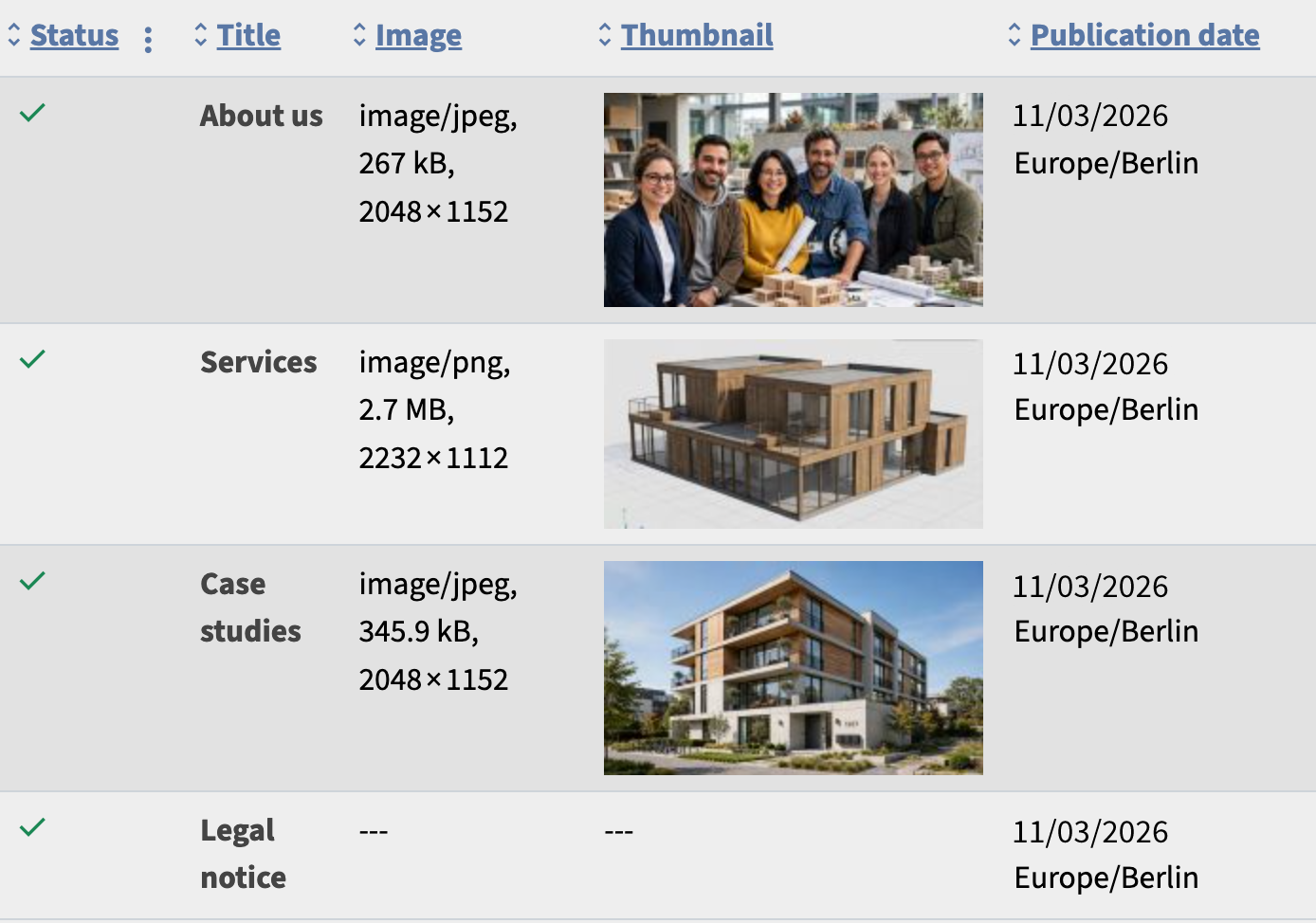
Click the button “ Create” and create a first record:
- Title: About us
- Text: Text will be added here.
- Image: (Upload any JPG file.)
After you click Save, the record appears in the list.
Repeat this for the pages “Case studies”, “Services”, and “Legal notice”.