
 English
 Deutsch
2. Create a template area
Go back to the backend start page (click the home icon or the camindo CMS logo) and this time choose the module tile “ Structure”.
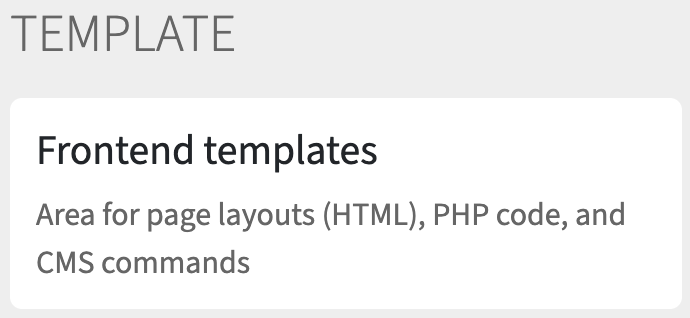
Click the button “ Create” and then, in the section “TEMPLATE”, click “Frontend templates”.
Fill in the form as follows:
- Name:
page_templates - Label: Page templates
- Instance: Camindo Architects
After you click Save, the new template area appears in the list, grouped under the instance “Camindo Architects”:
