
 English
 Deutsch
3. Create a template
Click the new area in the list. Its detail view appears.
Switch to the tab “Templates” and click the button “ Create”.
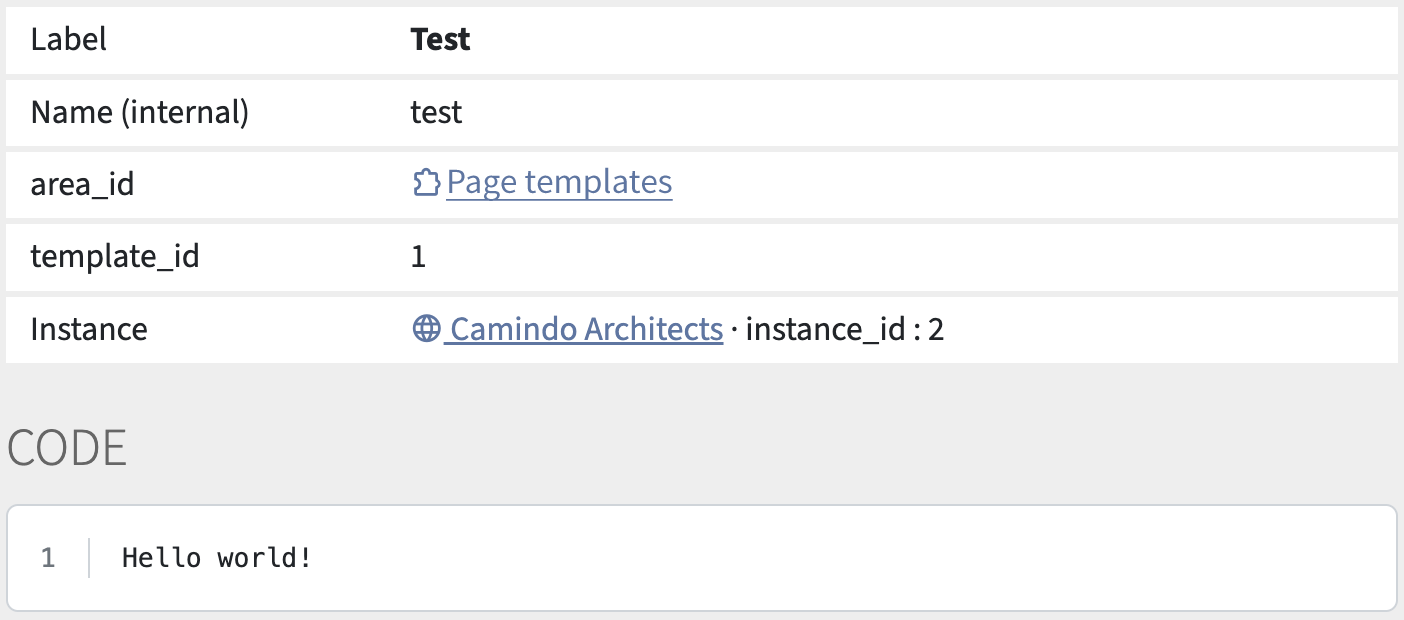
Fill in the form as follows:
- Name:
test - Label: Test
- Code:
Hello world!
Then save. The detail view of the template appears.
Before the template can be called up on the website, we have to allow this access:
Click the tab “Access” and enable the option “Standalone”.
After you click Save, you will see the new button “ Preview”. It opens the template in the frontend and displays the content “Hello world!”.
Frontend requests follow the format {record number},{template name}.
This means the template can also be called up at this address:
http://camindo-architects.localhost/0,test
(In our case there is no record, which is why it says “0”.)